Step by stepLast updated

Guides

Getting your messages onto your Mac, and turning them into a PDF and a spreadsheet, for yourself or for someone who needs a copy. In plain words, with the real app’s screens.

Latest guides

Get new guides by RSS
  • TextParcel’s Conversations screen, with Jordan Reyes and Weekend Plans ticked and Weekend Plans previewed

    Export and print

    How to export an iMessage conversation to PDF

    Turn a whole iMessage or text conversation into a searchable PDF with every reply, reaction, photo, and timestamp, plus a spreadsheet of the same messages.

    7 min read

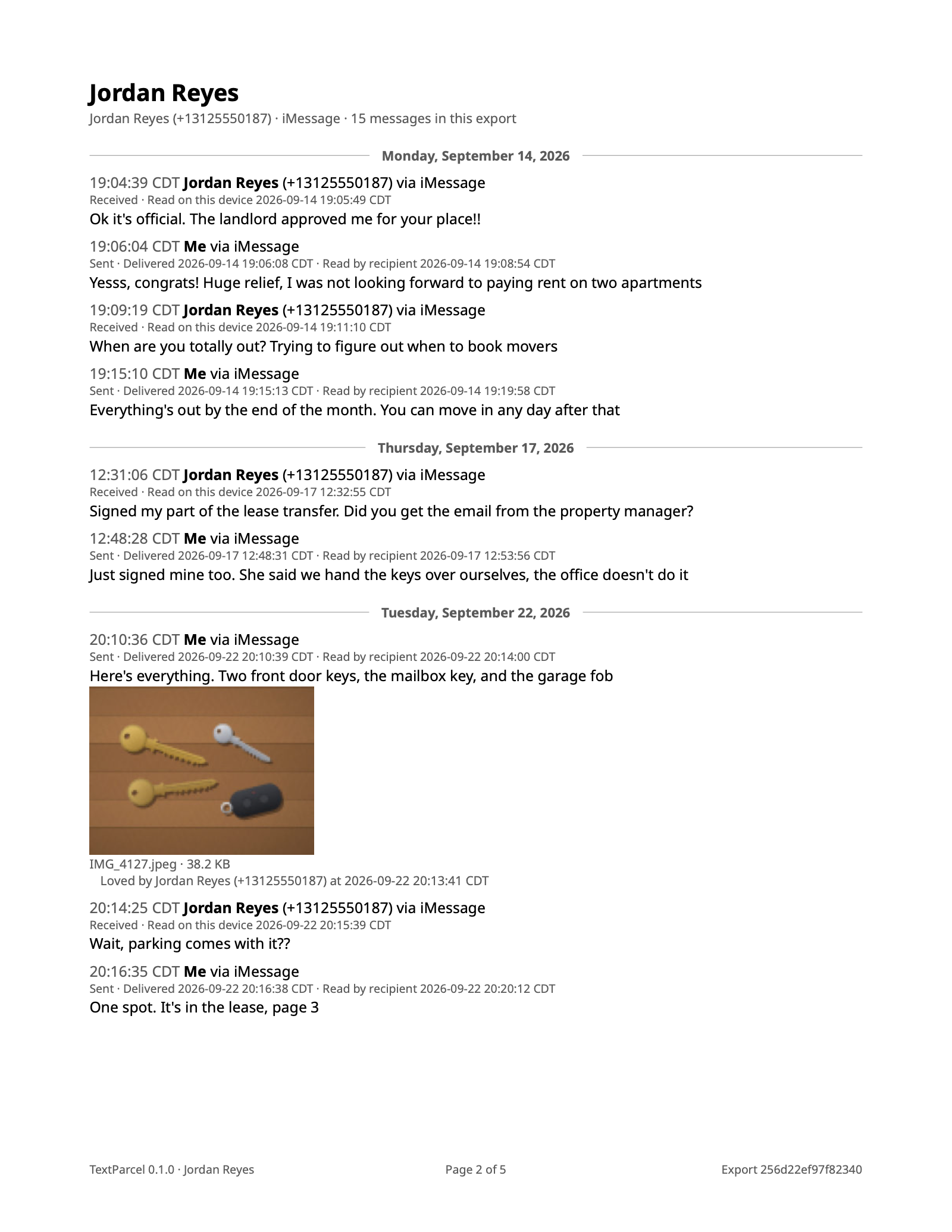
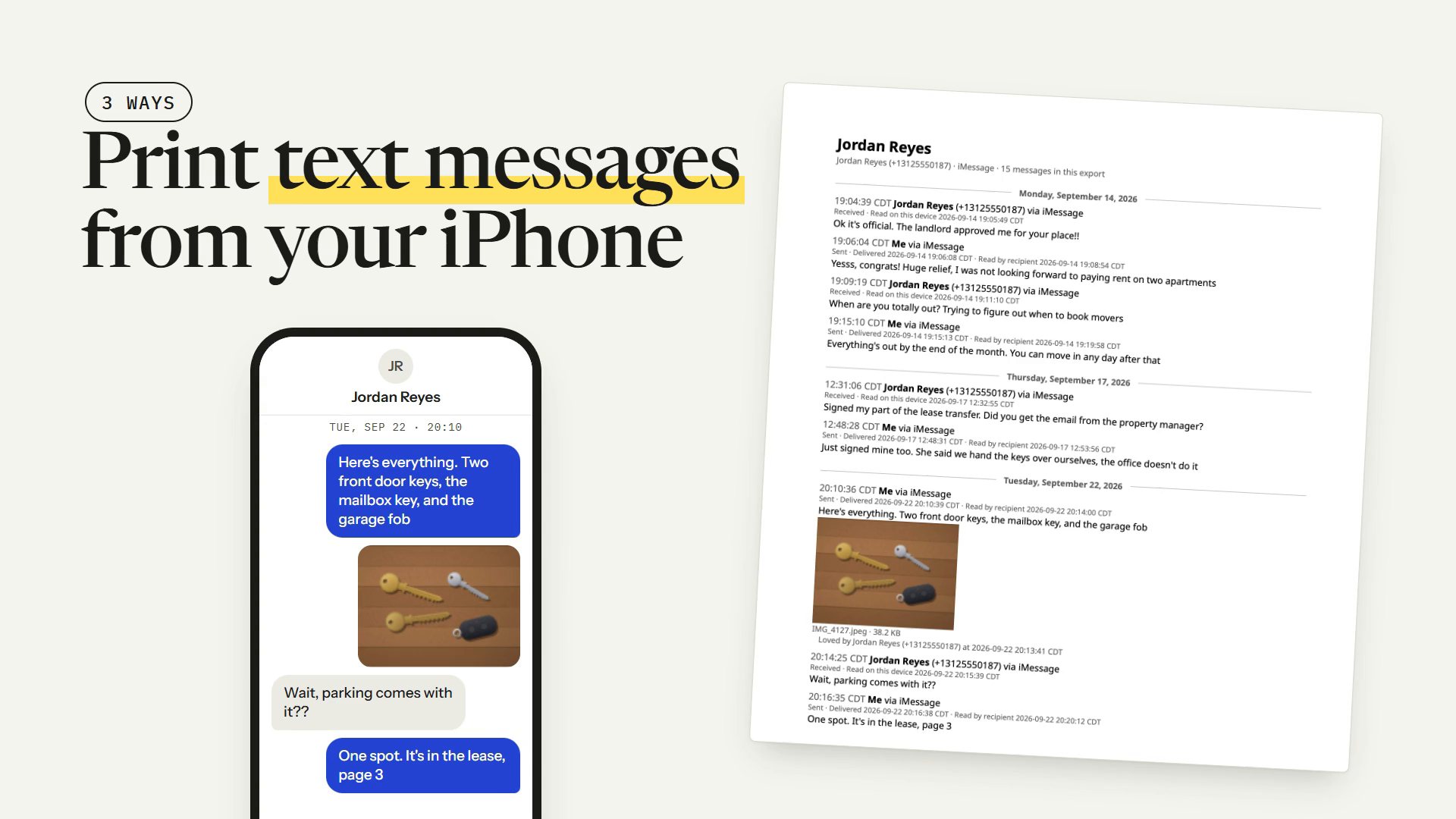
  • The top of page 2 of the sample PDF: the heading Jordan Reyes, then the messages of Monday, September 14, 2026, each with its time, sender, and delivery line

    What you get

    A sample export

    See what TextParcel makes from example conversations: the PDF transcript and its cover page, the spreadsheet with the same messages, and the counts.

    4 min read

Browse by topic

Export and print

Getting messages onto your Mac

What you get

  • A sample export

    The real PDF, spreadsheet, and counts TextParcel made from two example conversations.

Try it on your own messages.

Free for 100 messages · $19 once for everything · macOS 14 or later